Move stock between warehouses
Two-step transfer with in-transit accountability.
- 1
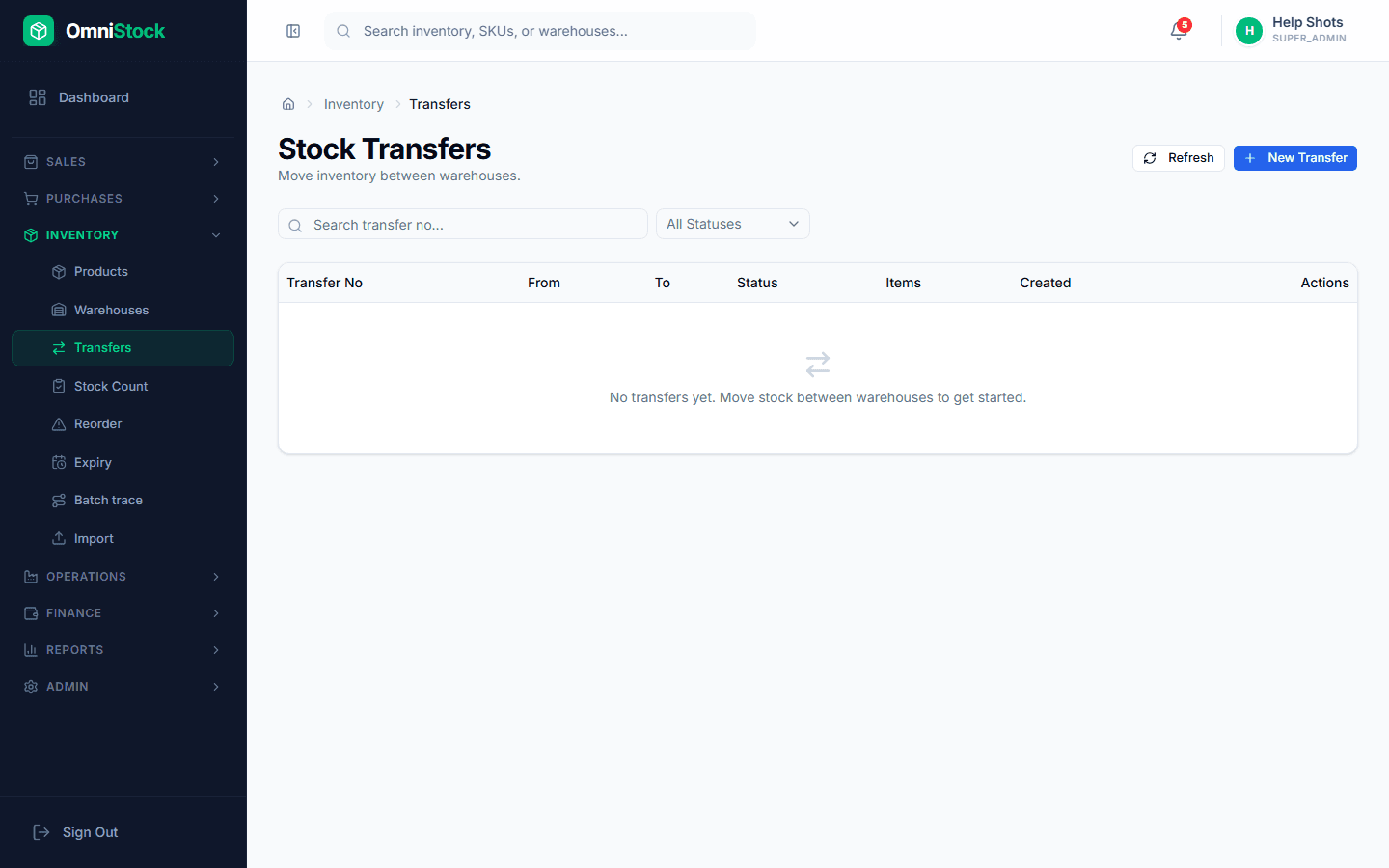
Create the transfer
Inventory → Transfers → New. Pick the source and destination warehouses, then add products and quantities.
- 2
Dispatch from source
Clicking 'Dispatch' moves stock into an IN-TRANSIT state — it's out of the source but not yet in the destination. This is what catches lost-in-transit shrinkage.
- 3
Receive at destination
The destination team clicks 'Receive' on the same transfer. Any shortfall is flagged as a transfer mismatch for follow-up.