Export any report to CSV or PDF
Every report supports the same filter → export flow.
- 1
Pick a report
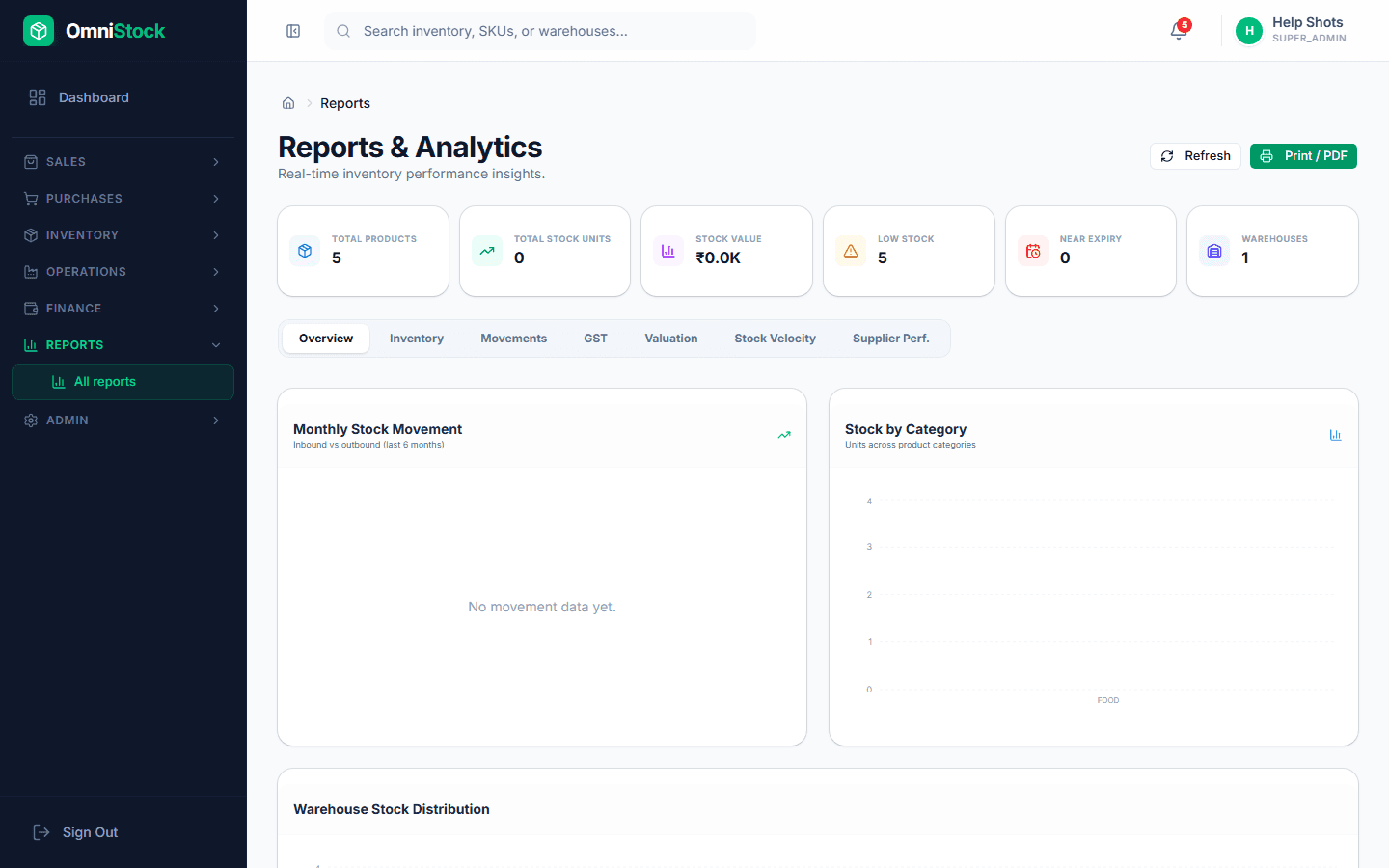
Reports → All reports. Inventory valuation, sales register, purchase register, GST summary, top products by margin, dead stock, movement by batch.
- 2
Filter the window
Date range, warehouse, customer/supplier, category. Filters persist per report so the next time you open it the same view comes back.
- 3
Export
CSV for accountant hand-off, PDF for email, or JSON via API if you're wiring a custom dashboard. The export respects the filters exactly.