Read the home dashboard
What each KPI means and how it's computed.
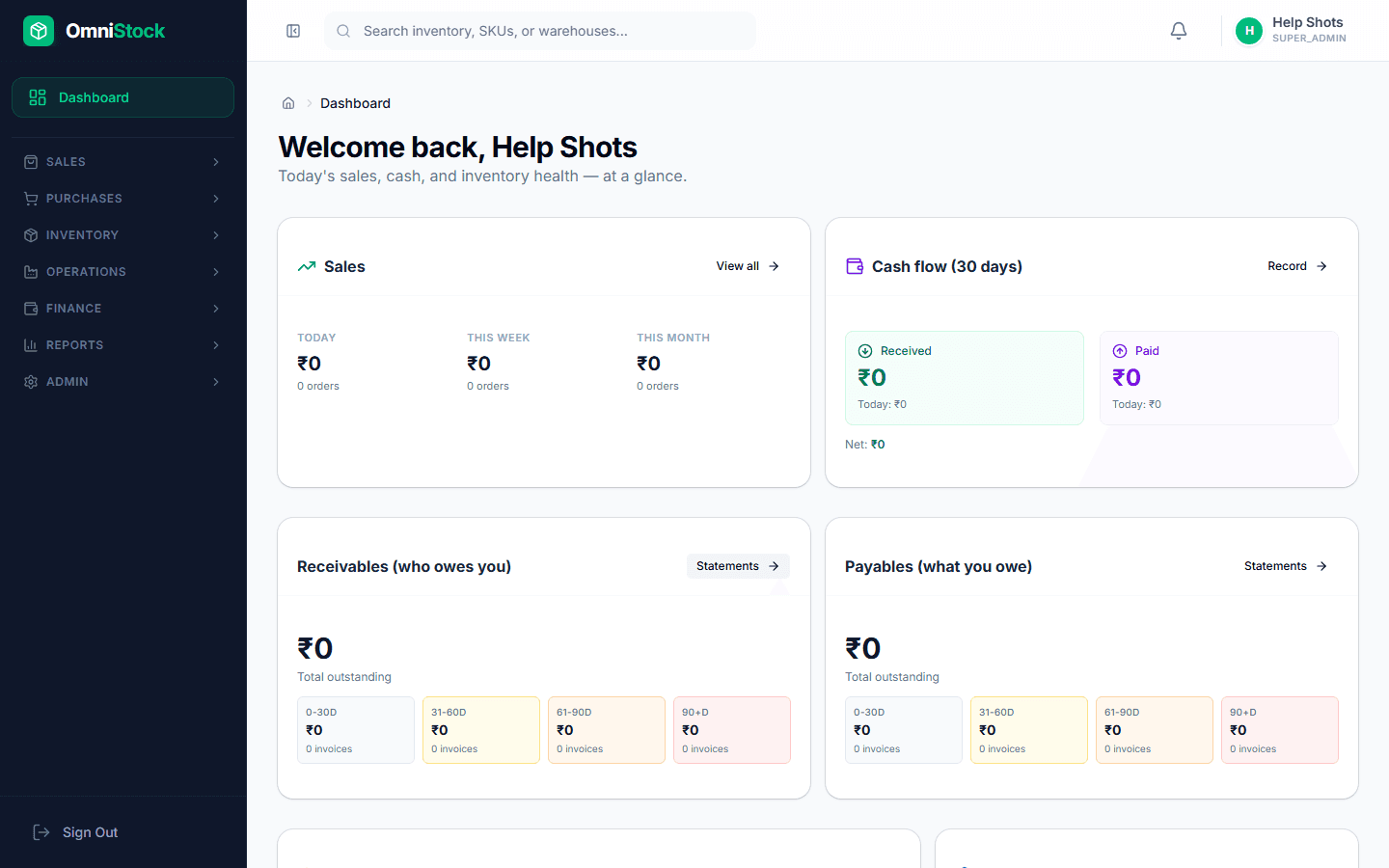
- 1
Sales windows
Today / This week / This month windows show gross revenue and order count. The comparison arrow is vs the same-length prior period.
- 2
Cash windows
Received is AR paid in the window; Paid is AP disbursed. The gap is an approximation of operating cash flow for that window.
- 3
AR/AP aging
Buckets are current, 0–30, 31–60, 61–90, 90+ days overdue. Click any bucket to open the filtered invoice list.
- 4
Inventory health
Turnover ratio = dispatched value / average stock value. Dead stock = items with no movement in the last 90 days. Both are live-computed against the stock ledger.