Read the audit log
Every create, update, delete, and approval, with who and when.
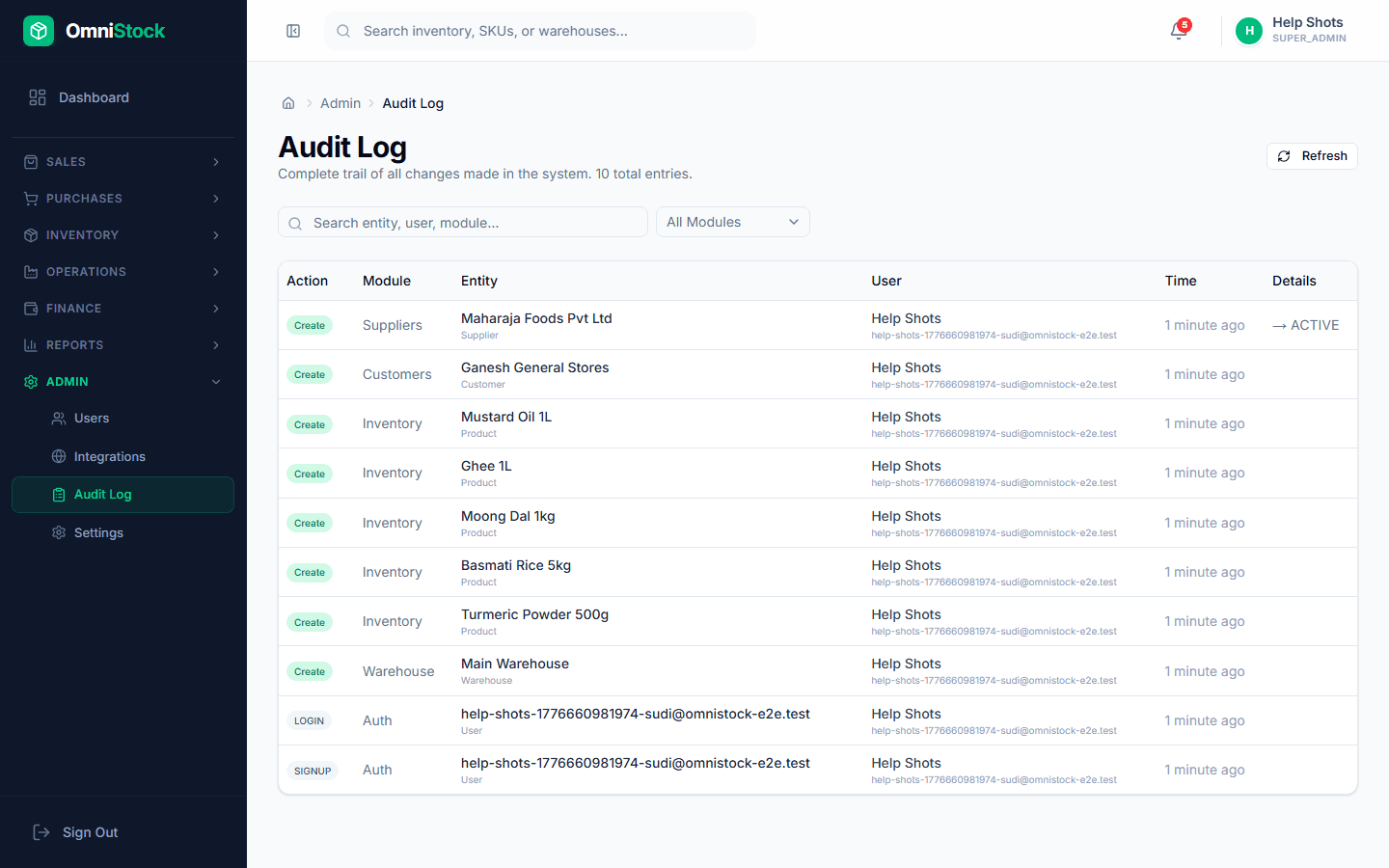
- 1
Open the log
Admin → Audit Log. Filter by user, module, or date range. Each row shows action, entity, and a diff of what changed.
- 2
Drill into an entry
Click any row to see the full before/after payload. Useful when reconciling 'who changed this price?' with the customer.
- 3
Export for compliance
Export to CSV for monthly archives. The audit table is append-only in the database — entries can't be edited or deleted, only exported.