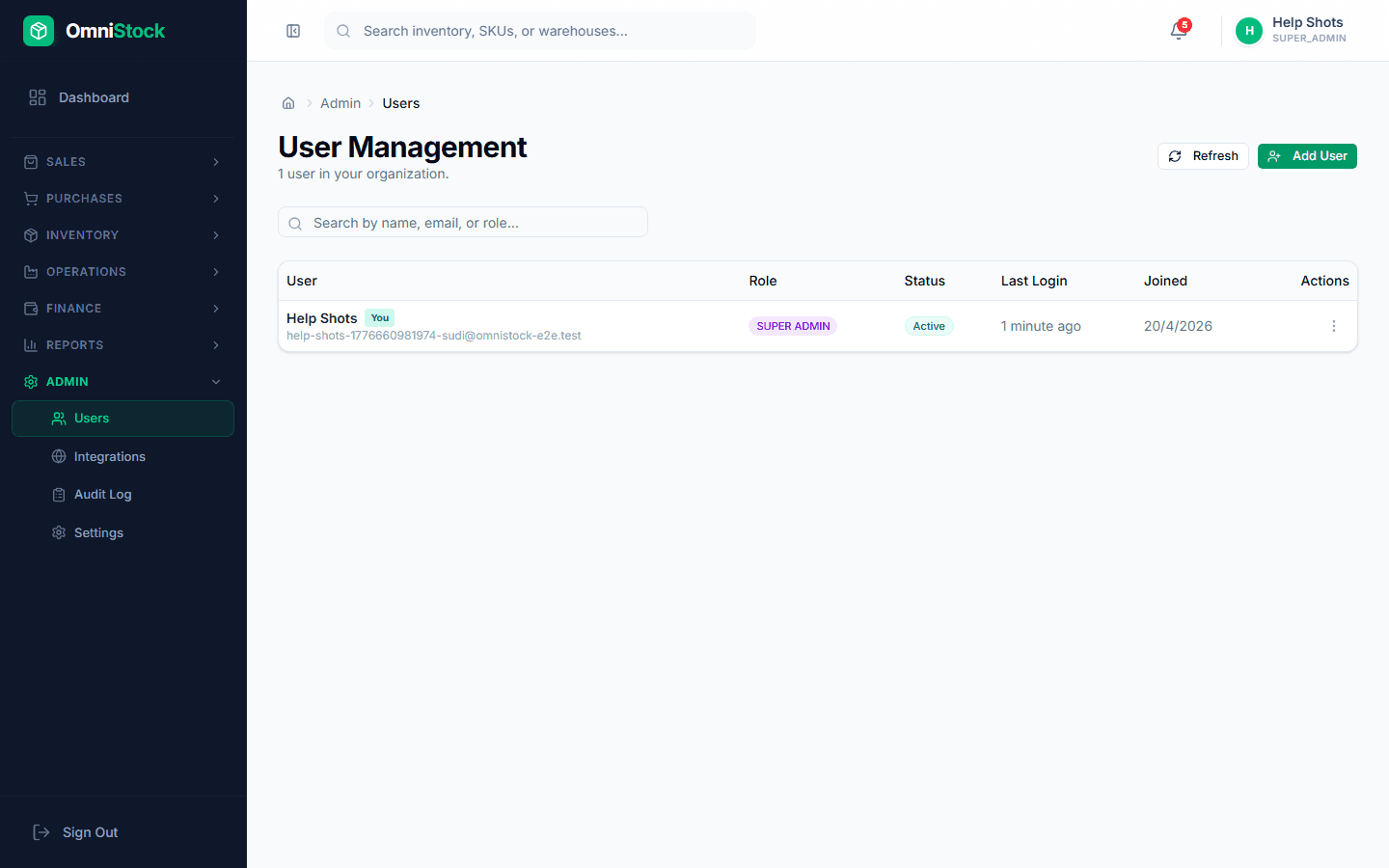
Invite team members and assign roles
Owner, Admin, Manager, Staff — plus module-level toggles.
- 1
Send the invite
Admin → Users → Invite. Enter the email and pick a role. They get a signed email link to set their password.
- 2
Pick a role
Owner has full access including billing. Admin is full access minus billing. Manager has operational access. Staff is limited to day-to-day entry screens.
- 3
Fine-tune module access
Admin → Settings → Modules. Turn any module off for a role (e.g. hide 'Payments' from Staff). Settings apply immediately on next sign-in.