Create and manage recipes (Bill of Materials)
Define which raw materials go into finished products and how much overhead cost to apply.
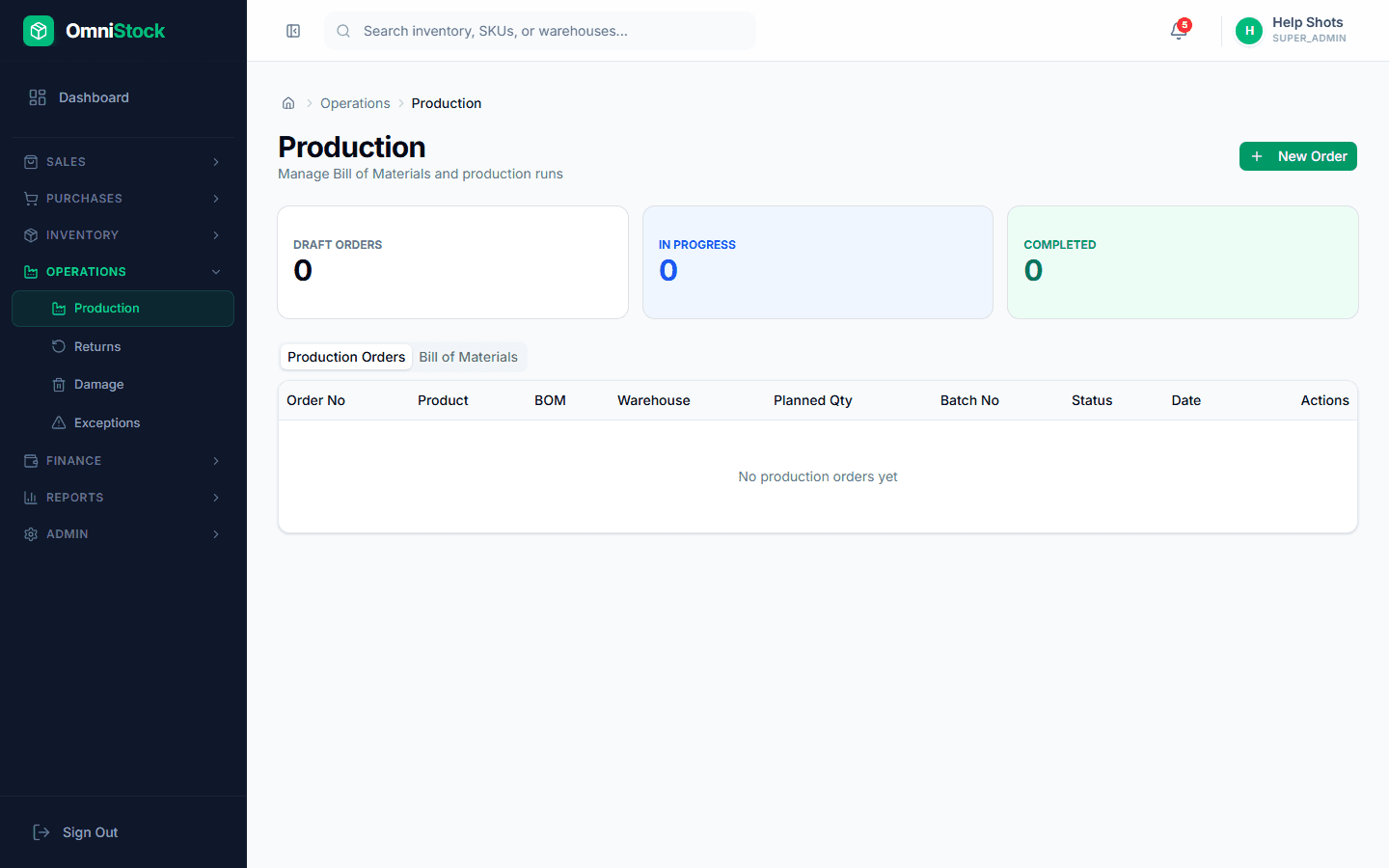
- 1
Open the Recipes tab
Go to Production → Recipes (Bill of Materials). This is where you define the ingredients for each finished product.
- 2
Create a new recipe
Click 'New Recipe'. Pick the finished product from your product catalog, set the output quantity per run, and add components.
Tip: Components should already exist in your product catalog as raw materials or semi-finished goods. - 3
Add component quantities
For each component, specify quantity per output unit and wastage percentage. Wastage accounts for spillage, trim loss, or evaporation during production.
- 4
Set overhead cost
Capture fixed costs like electricity, labour, or packaging that aren't tracked as inventory line items. This rolls into the finished good's unit cost.