Run a production order and update stock
Turn raw materials into finished goods, record actual output, and post to the stock ledger.
- 1
Create a production order
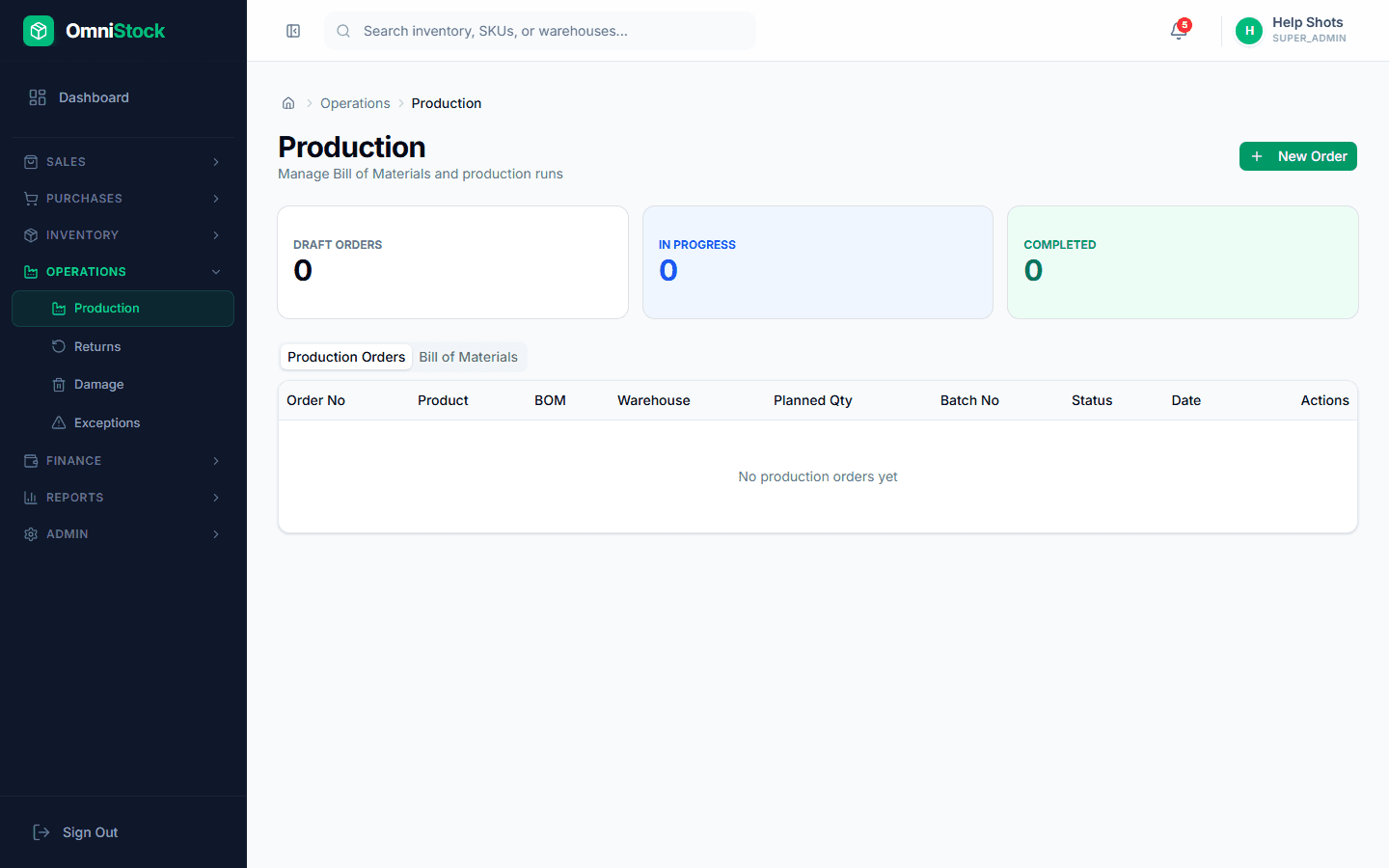
Production → New Order. Pick a recipe, select the warehouse, and enter planned quantity. The system auto-generates a batch number if you leave it blank.
Tip: Batch numbers follow the format PRD-YYYY-NNNN where YYYY is the current year. - 2
Start production
Open the draft order and click 'Start'. This locks the recipe snapshot so formula changes won't affect this run.
- 3
Complete the order
Click 'Complete' and enter actual produced quantity. The system consumes raw materials from stock and adds the finished goods.
Tip: If actual output is less than planned, record scrap quantity separately. This writes to a scrap ledger for waste tracking. - 4
Review stock impact
Check Inventory → Stock Entries to see the component deductions and finished-goods additions. Each movement links back to the production order.