Send a customer statement
A running ledger of invoices, payments, credit notes, and aging.
- 1
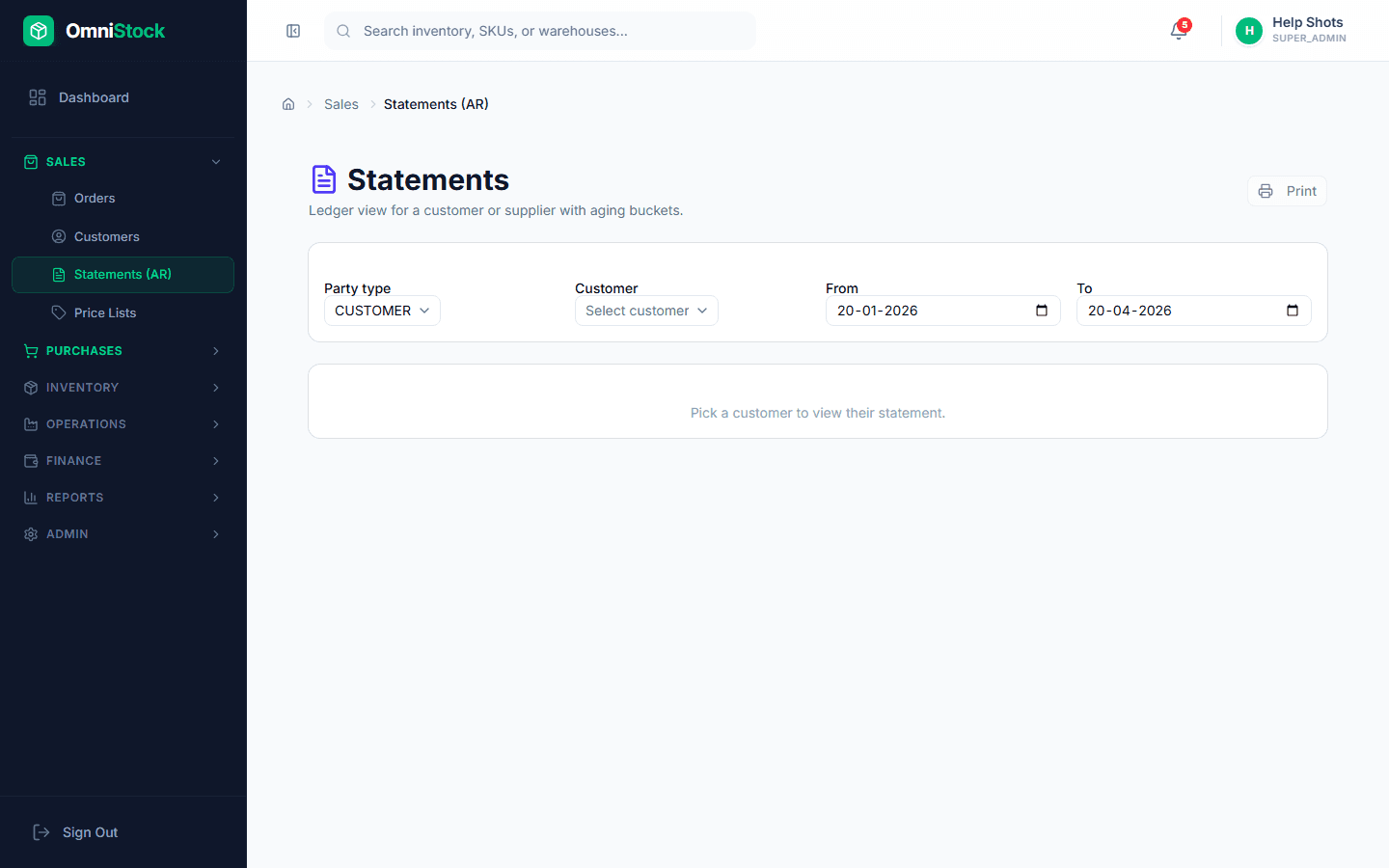
Open Sales → Statements (AR)
Pick the customer from the drop-down. The statement renders as-of today by default.
- 2
Pick a date window
Use the date range filter if you want a month-end statement. The aging buckets (current, 0–30, 31–60, 61–90, 90+) recompute for that window.
- 3
Export or email
Export to PDF for attaching to an email, or use 'Email statement' to send directly. The email uses your organization's sender identity.