Record a customer payment
Receive against one or many invoices; allocations update automatically.
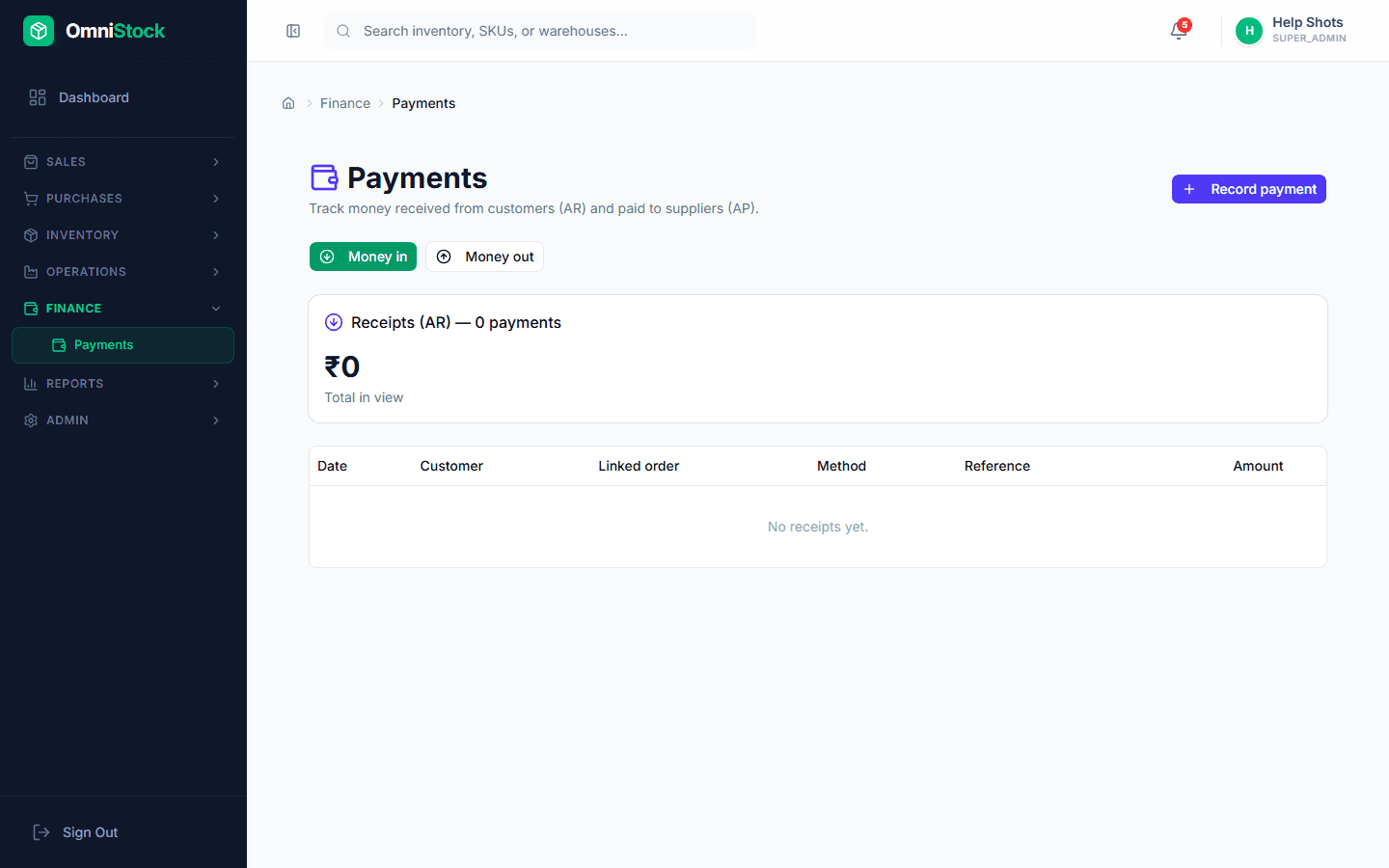
- 1
Open the customer
Sales → Customers → open the customer. The 'Outstanding' tab lists every open invoice with days overdue.
- 2
Record the receipt
Click 'Record payment'. Enter the amount received, mode (cash/UPI/bank transfer/cheque), and date.
- 3
Allocate to invoices
Tick the invoices the payment clears, oldest-first by default. Partial allocation is allowed — the unallocated remainder sits as customer credit and auto-applies to the next invoice.
Tip: Statement aging updates instantly — the customer's 30-day bucket drops the moment you save.