Pay a supplier against open bills
AP side of the same flow — disbursements, allocations, aging.
- 1
Open the supplier
Purchases → Suppliers → open the supplier. The outstanding bills list ages by GRN date.
- 2
Record the disbursement
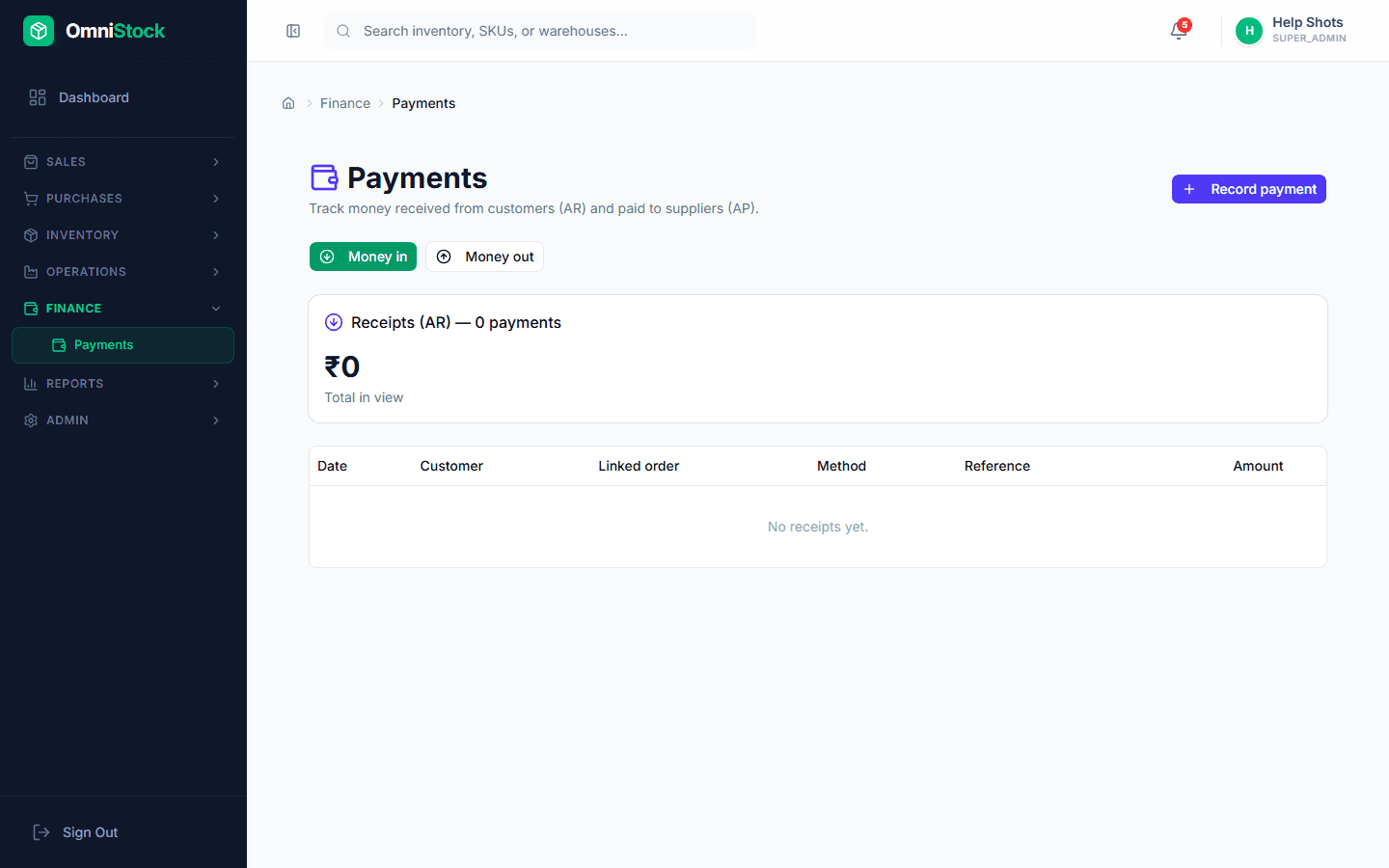
Click 'Record payment'. Amount, mode, reference number, and date. The reference number is what appears on bank-reconciliation exports.
- 3
Allocate to bills
Same allocation UI as receivables — oldest-first by default, partial allowed.