Log damaged or shrinkage stock
Write it off cleanly with a reason code so reports stay accurate.
- 1
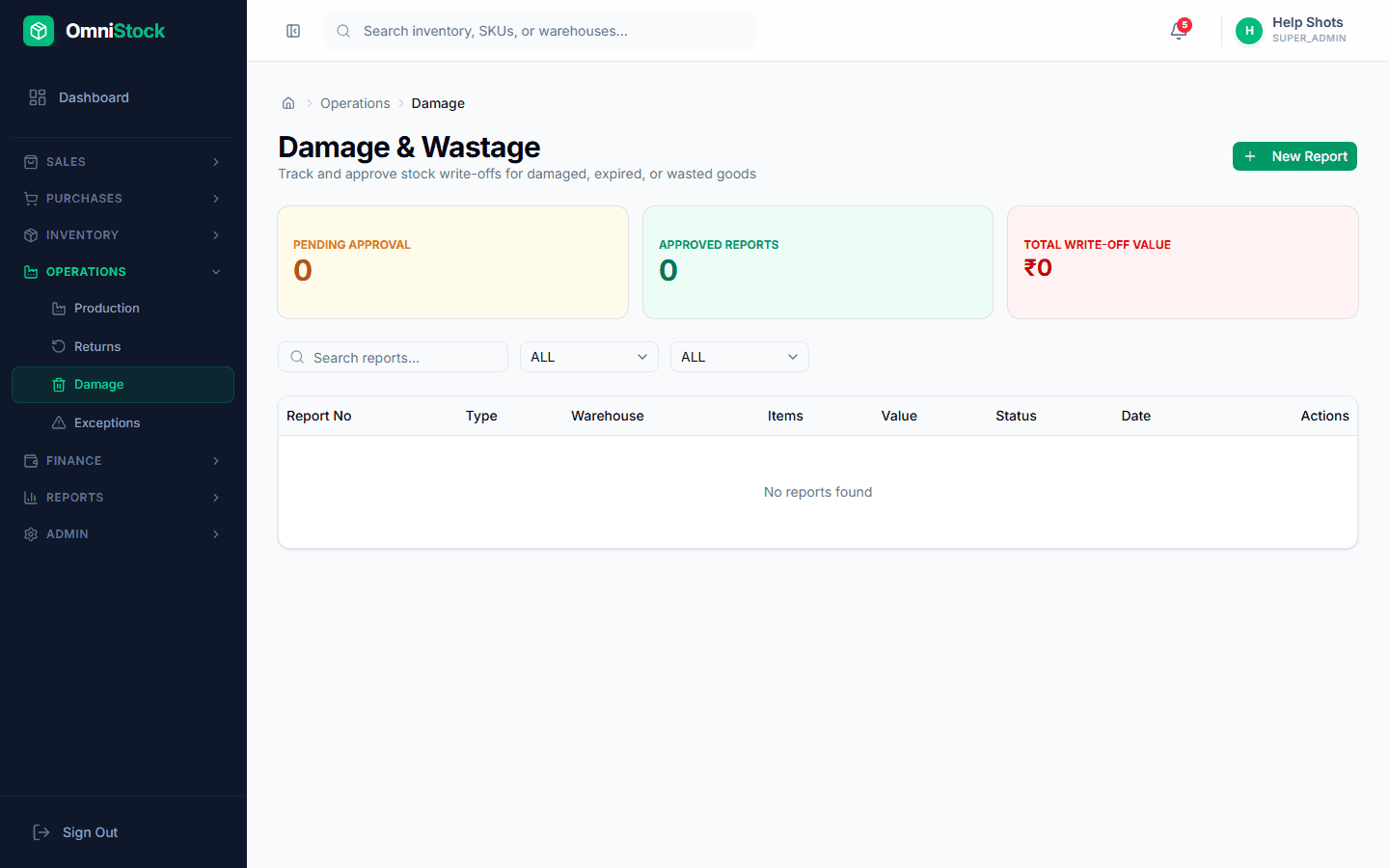
Open the damage register
Operations → Damage → New. Pick the product, warehouse, and batch (if tracked).
- 2
Pick a reason code
Breakage, expiry, theft, QC rejection, customer return (non-resellable). Reason codes power the shrinkage report.
- 3
Confirm
Confirming writes a damage-writeoff movement to the ledger. Stock leaves sellable inventory and the damage report updates immediately.