Process a sales return
Take stock back, refund or credit-note, and keep the audit trail clean.
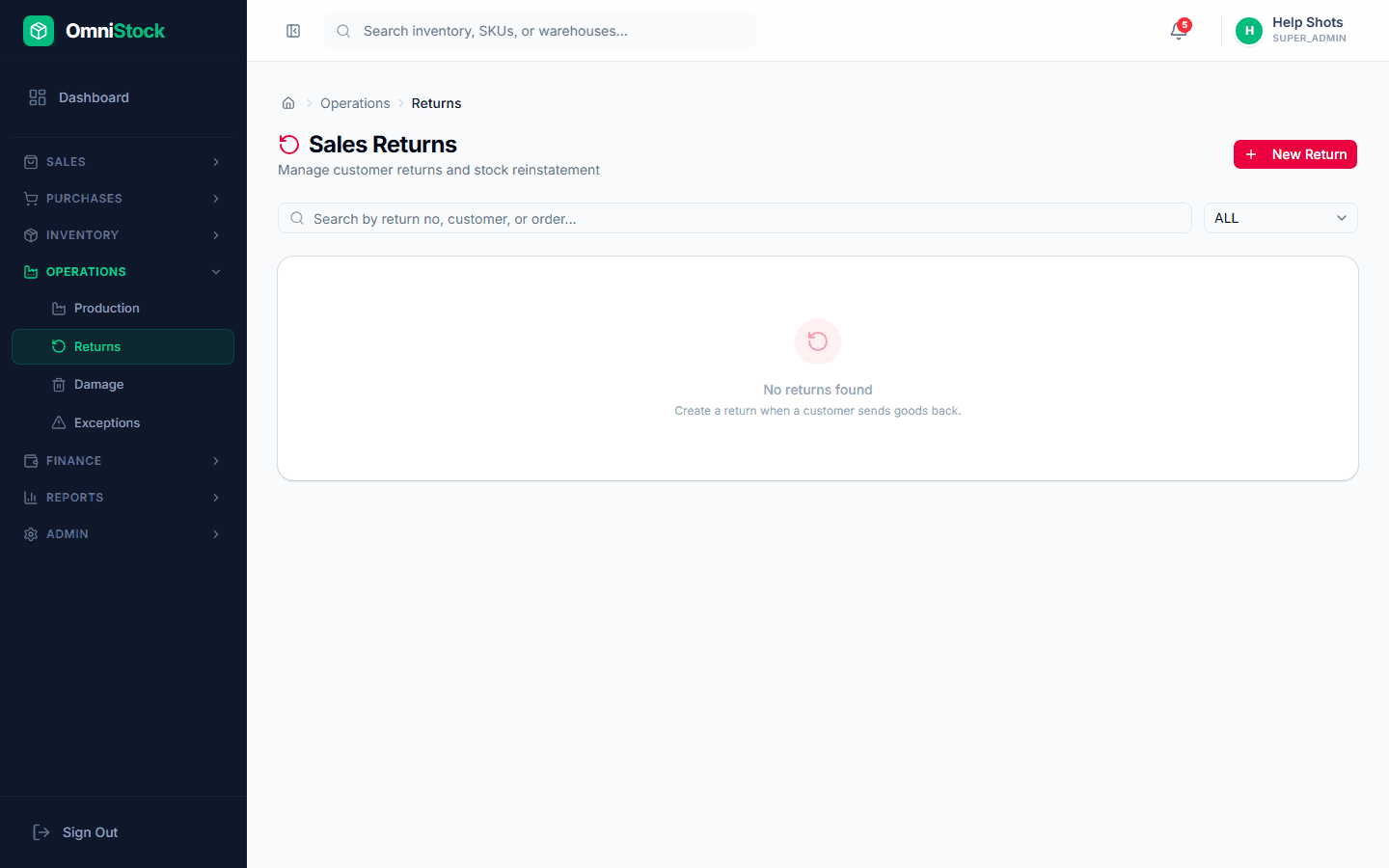
- 1
Open the original invoice
From Sales → Orders, find the invoice. Click 'Start return'. You can return against multiple invoices if needed.
- 2
Pick the lines to return
Tick the lines and enter the returned quantity per line. Defective stock should use the 'Damage' disposition so it doesn't re-enter sellable inventory.
- 3
Choose disposition
Re-sellable goes back to stock at the original batch. Damaged goods go to the damage register. Use 'Quarantine' if you need inspection before deciding.
- 4
Issue a credit note
The credit note is linked to the original invoice. You can net it off against the customer's next invoice or refund it directly.