Connect Tally, Shopify, or a bank feed
One-time setup and a daily sync dashboard for every connector.
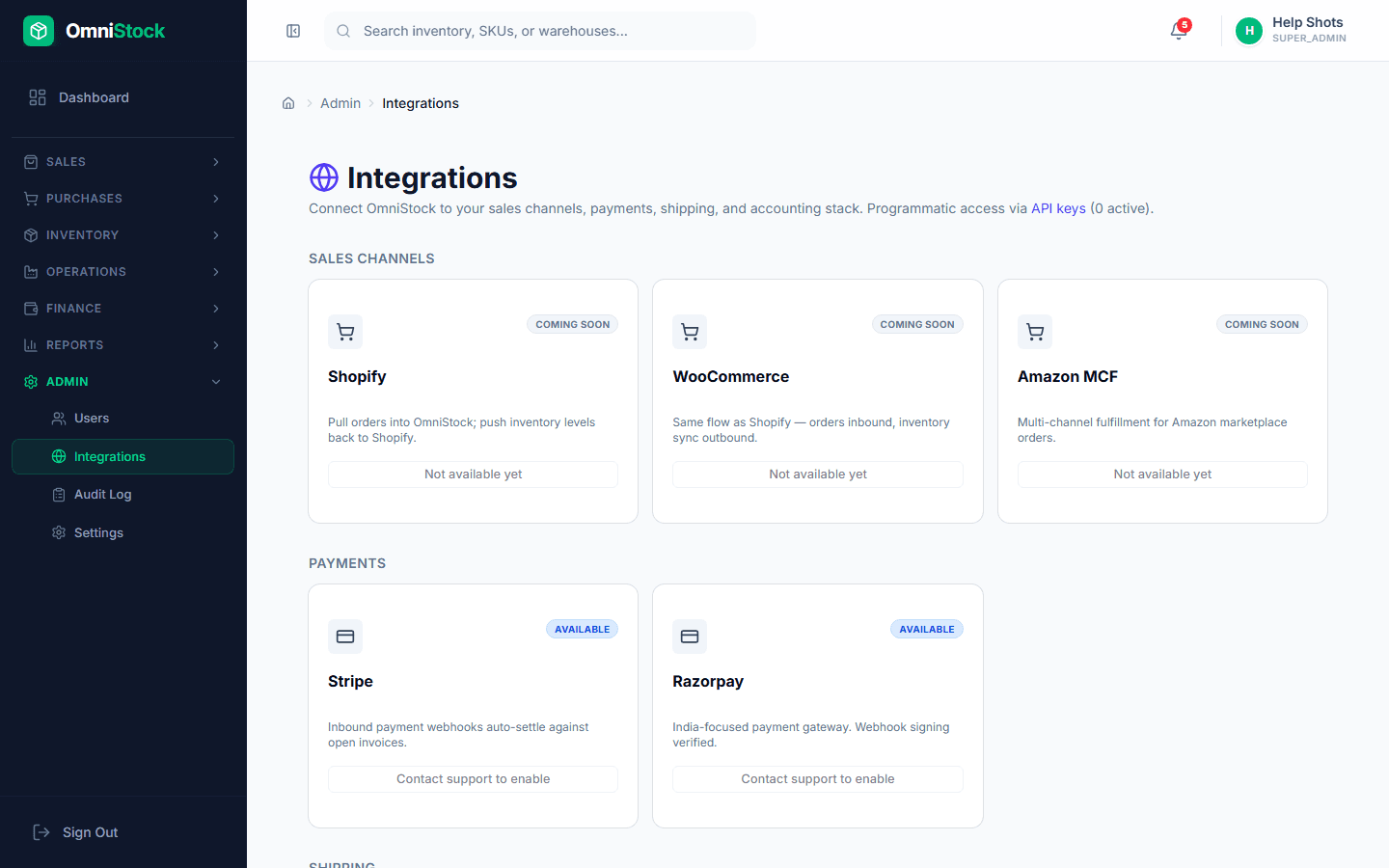
- 1
Pick the connector
Admin → Integrations. Choose from Tally, Shopify, WooCommerce, Zoho Books, Razorpay, and bank-feed providers.
- 2
Authenticate
Each connector shows the specific credentials it needs — OAuth for Shopify/Zoho, API key + secret for Razorpay, file-drop or ODBC for Tally.
- 3
Map fields
Match your OmniStock SKUs to the external system. The mapper remembers choices so the next sync is fully automatic.
- 4
Enable the sync schedule
Daily or hourly. Every sync run writes a job record with counts and any errors. Failed rows can be retried per-row without rerunning the whole job.