Set up price lists for different customer tiers
Distributor price, retail price, export price — maintained once, applied automatically.
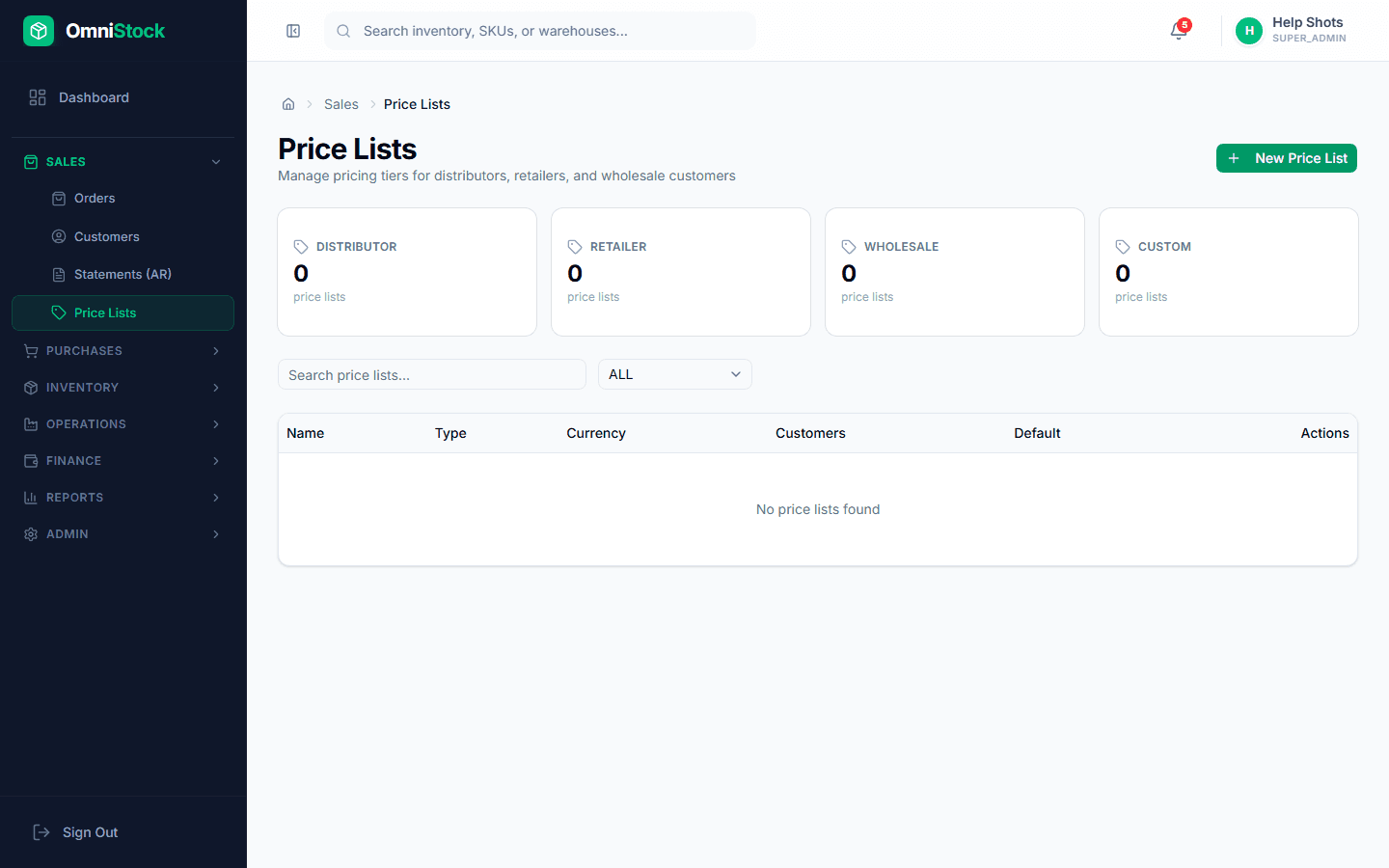
- 1
Create the price list
Sales → Price Lists → New. Name it after its purpose ('Distributor 2026', 'Retail', 'Export USD'). Choose the currency.
- 2
Add product rates
Either upload a CSV with SKU + rate, or add rates one by one from the product picker. Leaving a product out of the list falls back to the base rate on the product.
- 3
Assign to customers
Open a customer and set their default price list. Every new order for that customer will auto-apply these rates.
Tip: Price-list overrides on individual invoices are still allowed — they're logged in the audit trail with who did it.