Run production with a Bill of Materials
Consume components, produce finished goods, and keep the stock ledger honest.
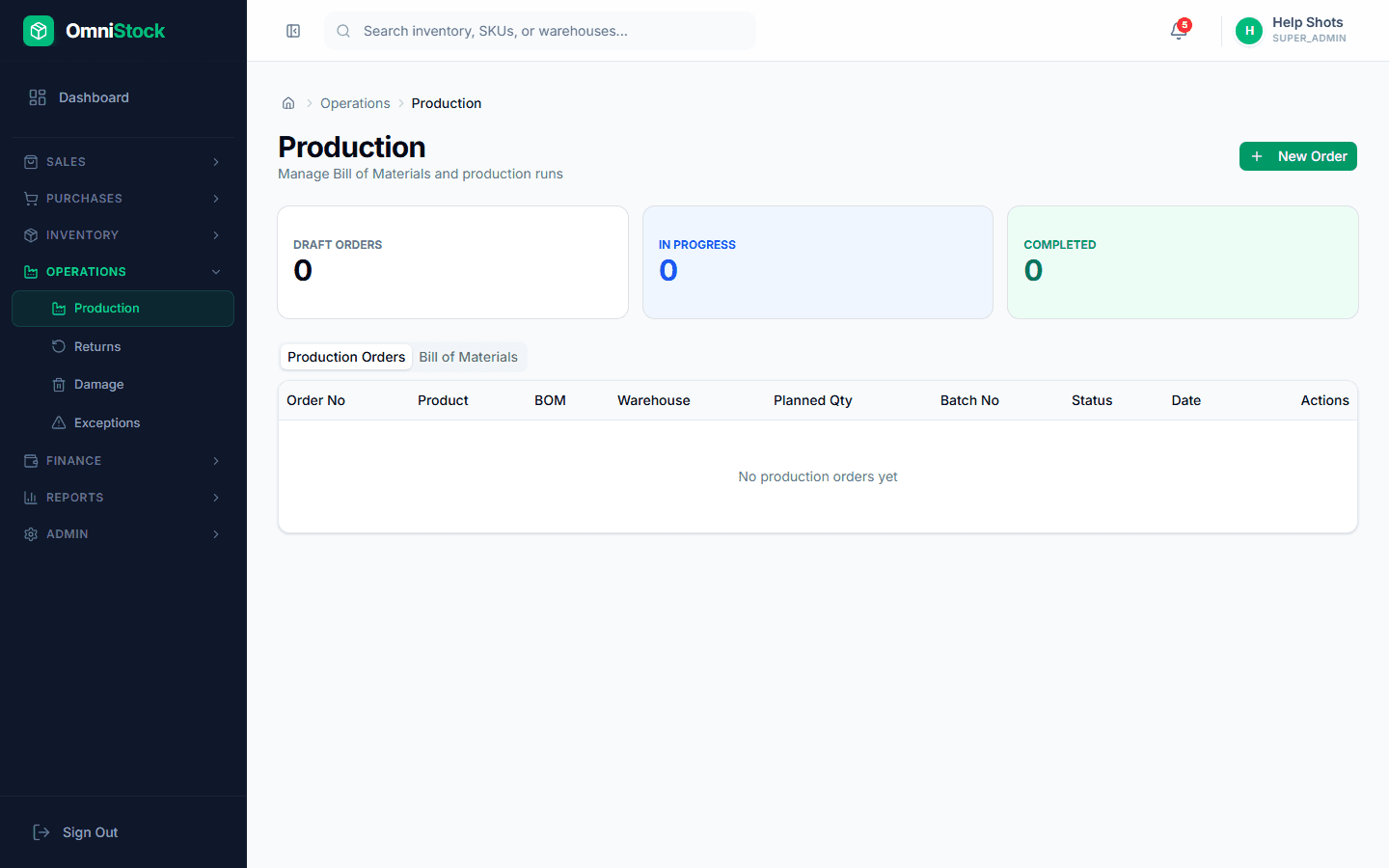
- 1
Define a BOM
Operations → Production → BOMs → New. Pick the finished good and list every component with its per-unit quantity.
- 2
Create a production order
New → Production Order. Pick the BOM and the target output quantity. The system reserves the required components from stock.
- 3
Confirm production
When the batch is done, confirm the order. Components are consumed (stock-out movements) and finished goods are added (stock-in movement) — all against one parent reference.
Tip: Partial production is supported — finish a run with what actually came off the line; the reservation releases the unused components.