Use reorder levels to stop stockouts
The system watches movement and flags SKUs before they run out.
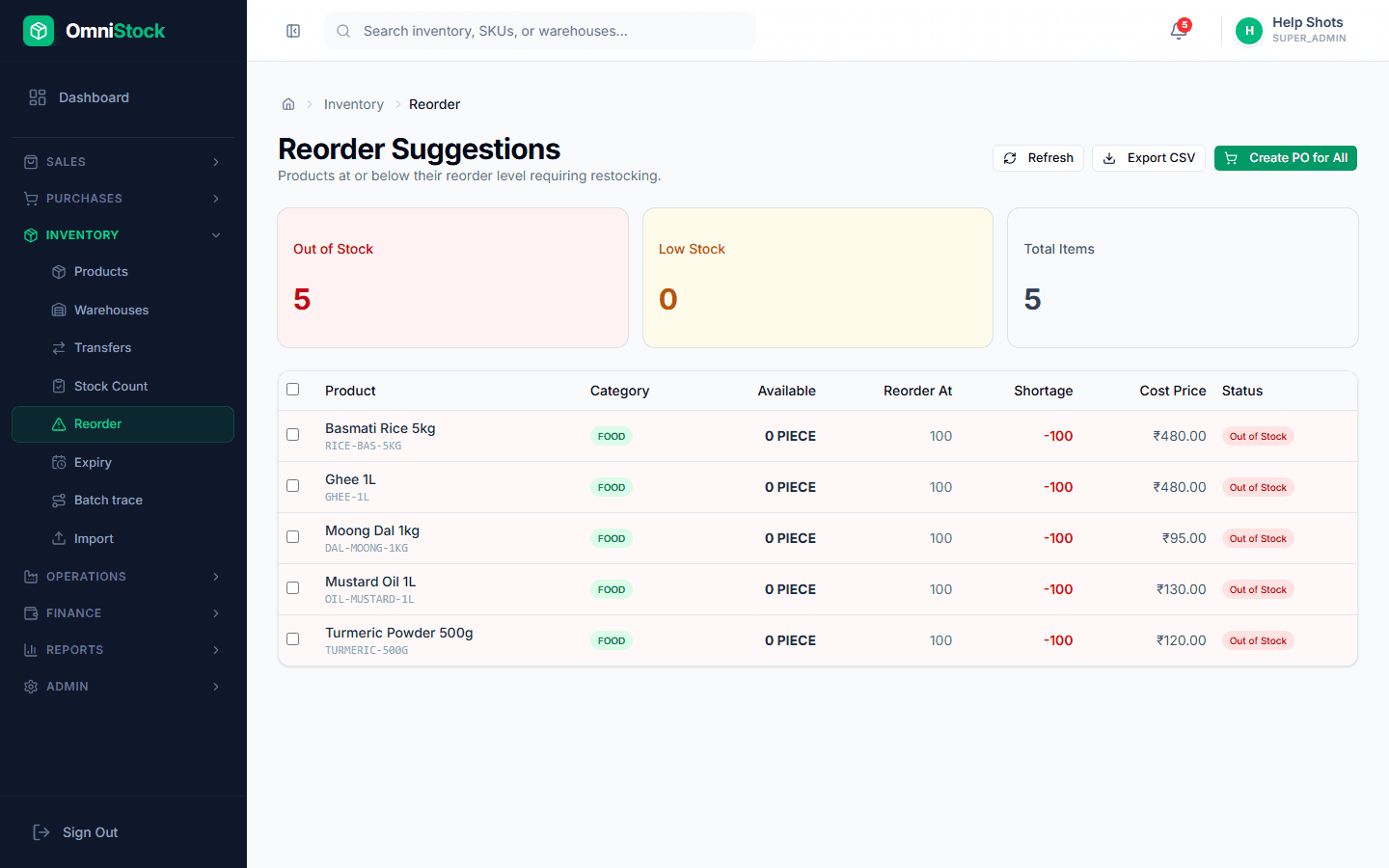
- 1
Set a reorder level per SKU
From the product page, set 'Reorder level' and 'Reorder quantity'. The reorder level is the floor; the reorder quantity is how much to buy when the floor is breached.
- 2
Review the reorder list
Inventory → Reorder lists every SKU at or below its reorder level, grouped by preferred supplier. You can raise a PO for the whole supplier group in one click.
- 3
Let lead time adjust the floor
If a supplier's lead time is 14 days and you sell 10/day, the reorder floor should be at least 140. The reorder page surfaces this math as a suggested floor per SKU.