Raise your first purchase order
From supplier pick to GRN-ready PO in a few clicks.
- 1
Create the supplier first
Purchases → Suppliers → New. Capture name, GSTIN, payment terms, and lead time. Lead time feeds the reorder engine later.
- 2
Start the PO
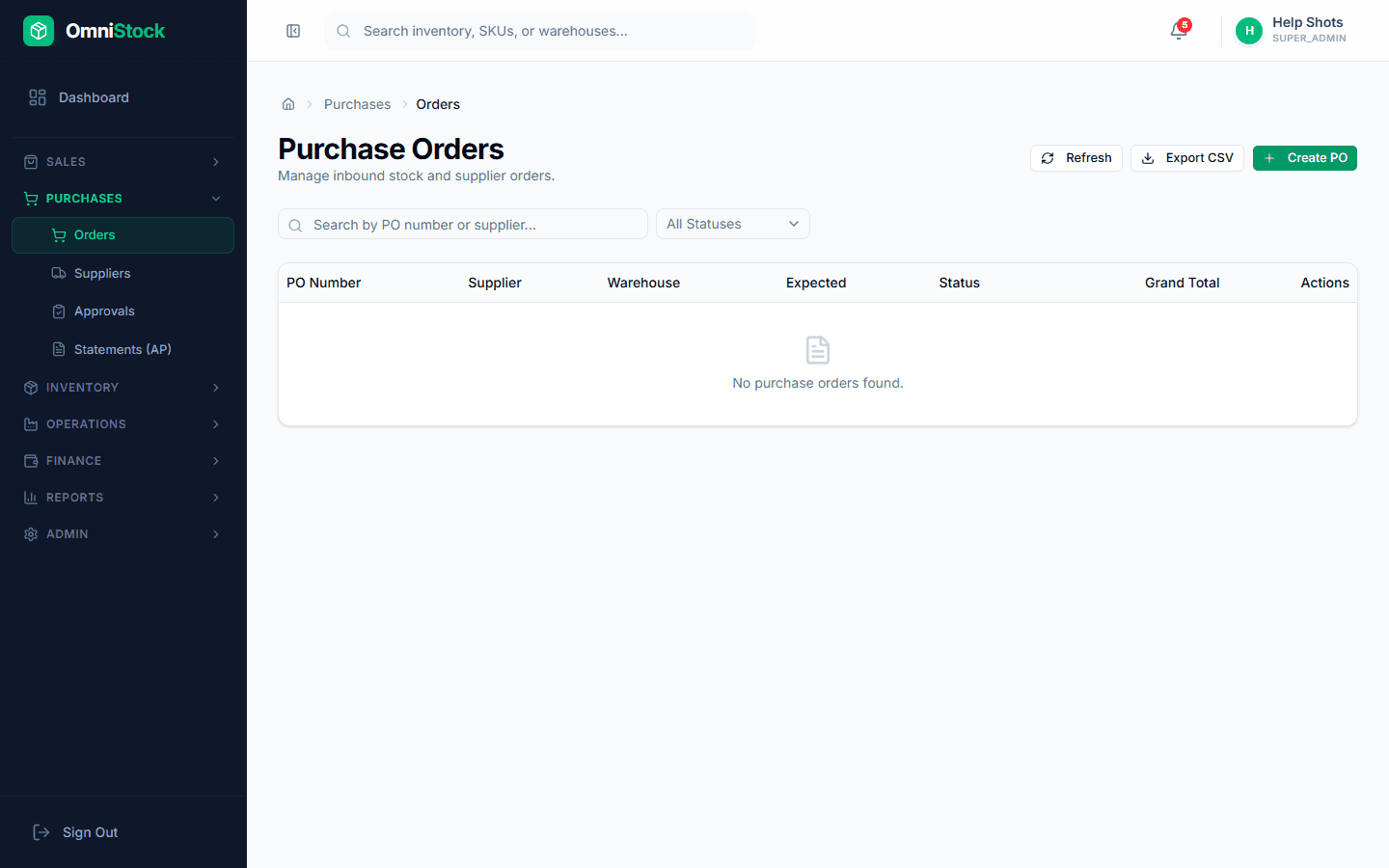
Purchases → Orders → New. Pick the supplier. Suggested products appear if any are below reorder level for that supplier.
- 3
Add line items
Enter quantity, rate, and tax per line. You can import from a supplier quote CSV if you have one.
- 4
Send to the supplier
Use 'Email PO' to send the PDF. The PO number is allocated from the sequence table — it never clashes with another user raising a PO at the same moment.