Require approval for large POs
Add a spending threshold that routes POs to a manager before sending.
- 1
Turn on approvals
Admin → Settings → Approvals. Set a rupee threshold (for example ₹50,000). Any PO above that figure waits for approval before it can be sent.
- 2
Assign approvers
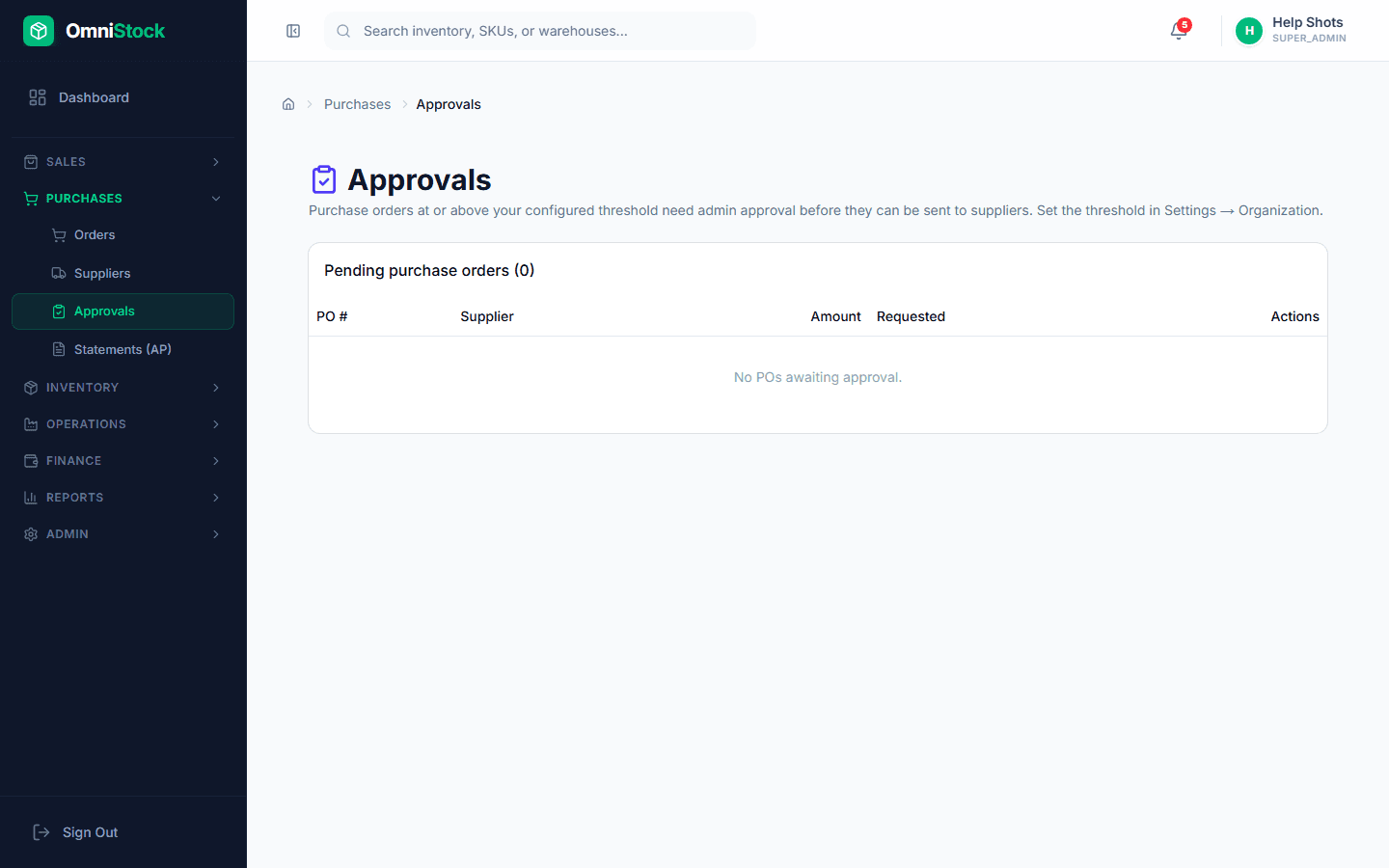
Pick the roles that can approve. Approvers receive a notification and see pending POs in the Approvals screen.
- 3
Approve or reject
From Purchases → Approvals, open the PO, review lines and totals, then approve or reject with a comment. The comment is saved to the audit trail.