Record a goods receipt (GRN)
Partial receipts, quarantine, and vendor discrepancies, handled cleanly.
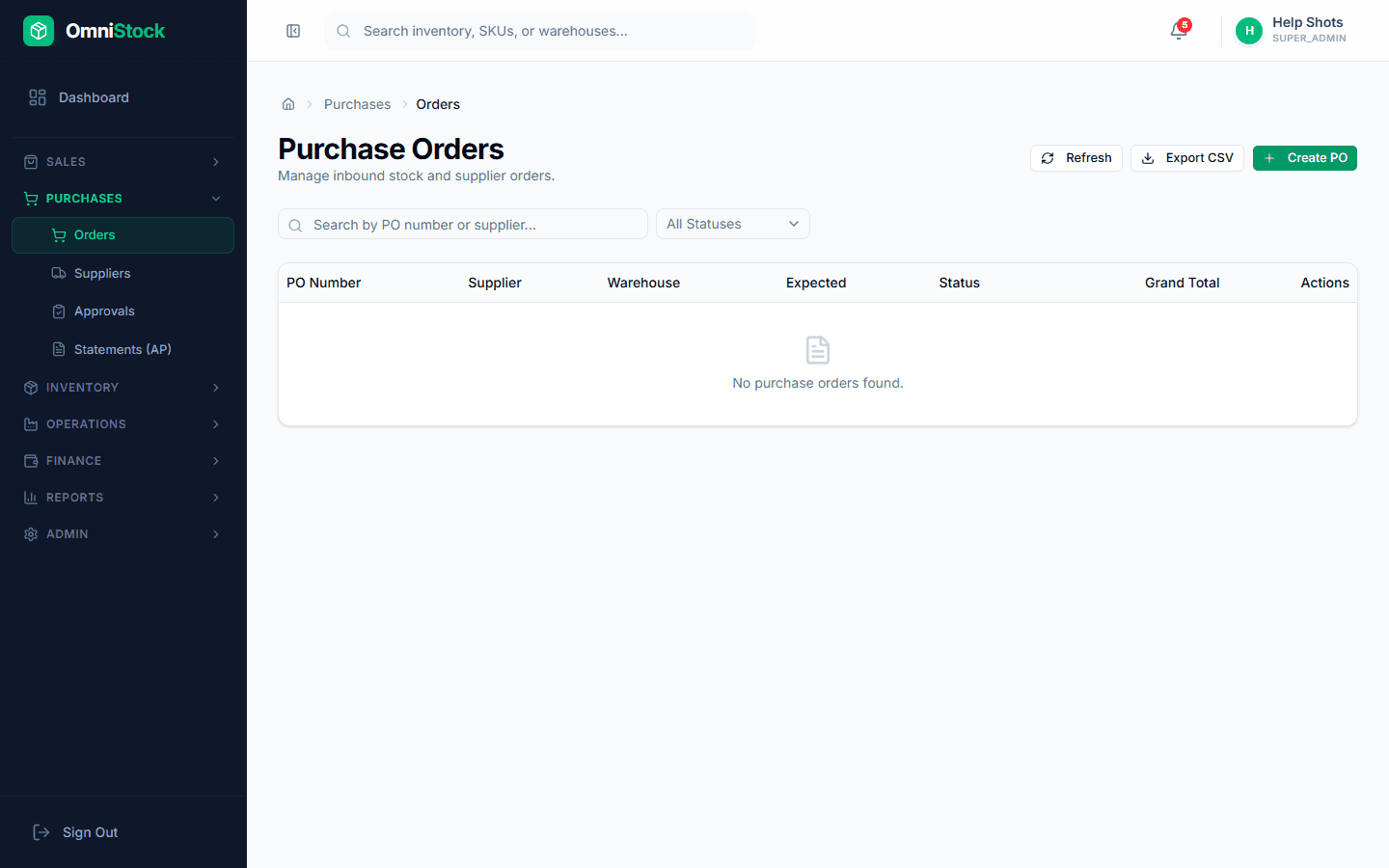
- 1
Open the PO
Purchases → Orders → pick your PO. Click 'Receive'. Lines pre-fill with the remaining-to-receive quantity.
- 2
Capture batch + expiry
For batch-tracked products, enter the batch number and expiry date. This is what drives FEFO on sales later.
Tip: Receipts across multiple batches? Add extra rows for the same product — one per batch. - 3
Handle discrepancies
If you received less than ordered, save the partial receipt — the PO stays OPEN and shows remaining quantity. Over-receipt gets flagged for manager approval if enabled.
- 4
Optional quarantine
Tick 'Quarantine on receipt' for goods that need QC. Quarantined stock is not available for sale until released.