Customize company details, branding, and terminology
Make the app speak your language — literally.
- 1
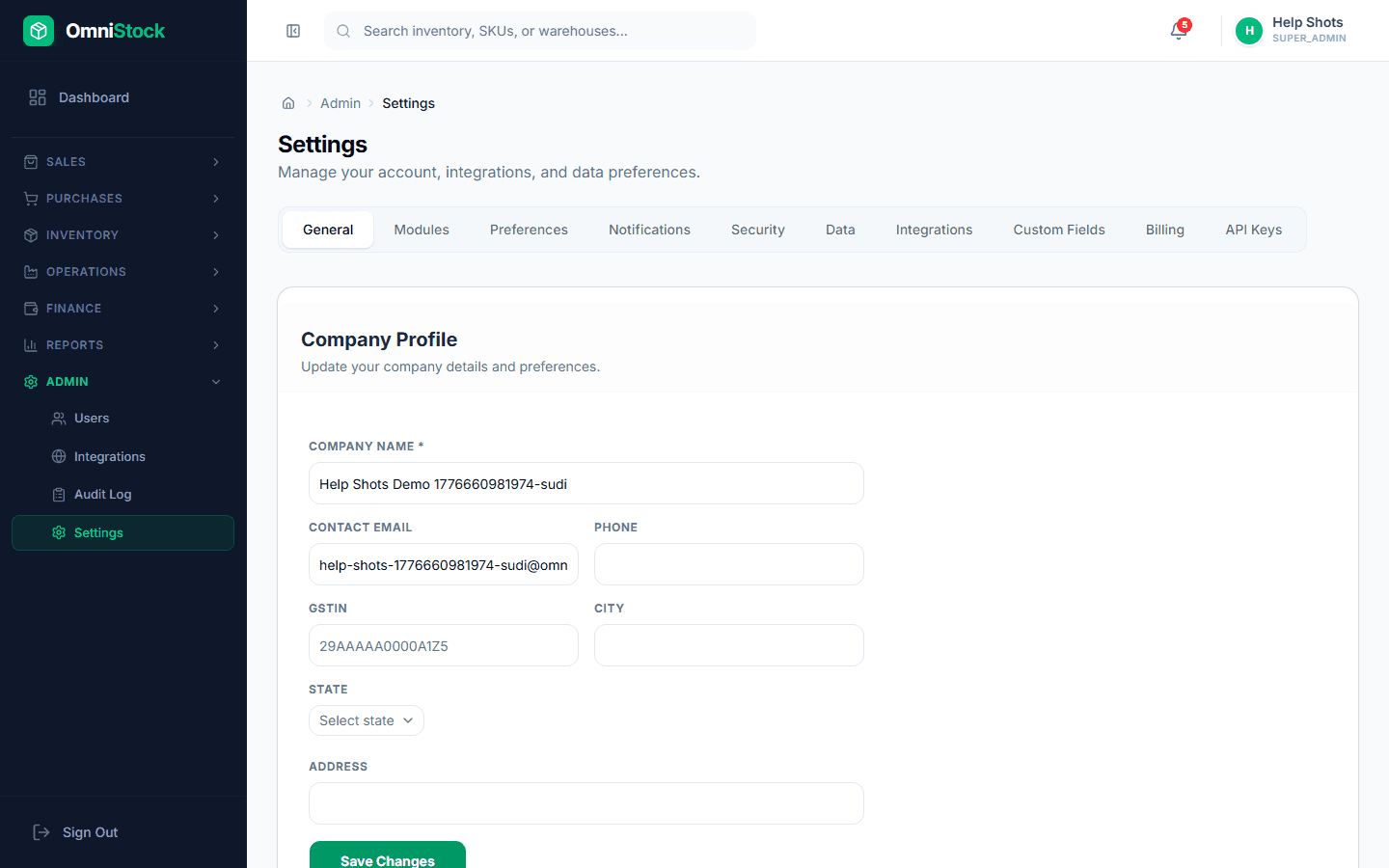
Company details
Admin → Settings → Company. Legal name, GSTIN, PAN, billing address, and logo. These appear on every invoice, PO, and PDF.
- 2
Terminology
Call warehouses 'godowns', suppliers 'vendors', customers 'parties' — the app relabels every menu and heading instantly. Good for Tally-muscle-memory teams.
- 3
Document numbering
Prefixes, padding, and fiscal-year resets for each document type (invoice, PO, GRN, credit note). Numbers are sequence-backed — no duplicates under concurrent load.
- 4
Notifications
Who gets emailed on low-stock, expiring batches, failed integrations, and approval requests. Each alert can be scoped to specific roles.