Trace a batch from GRN to customer
Recall-ready in one click: which invoices shipped the affected batch?
- 1
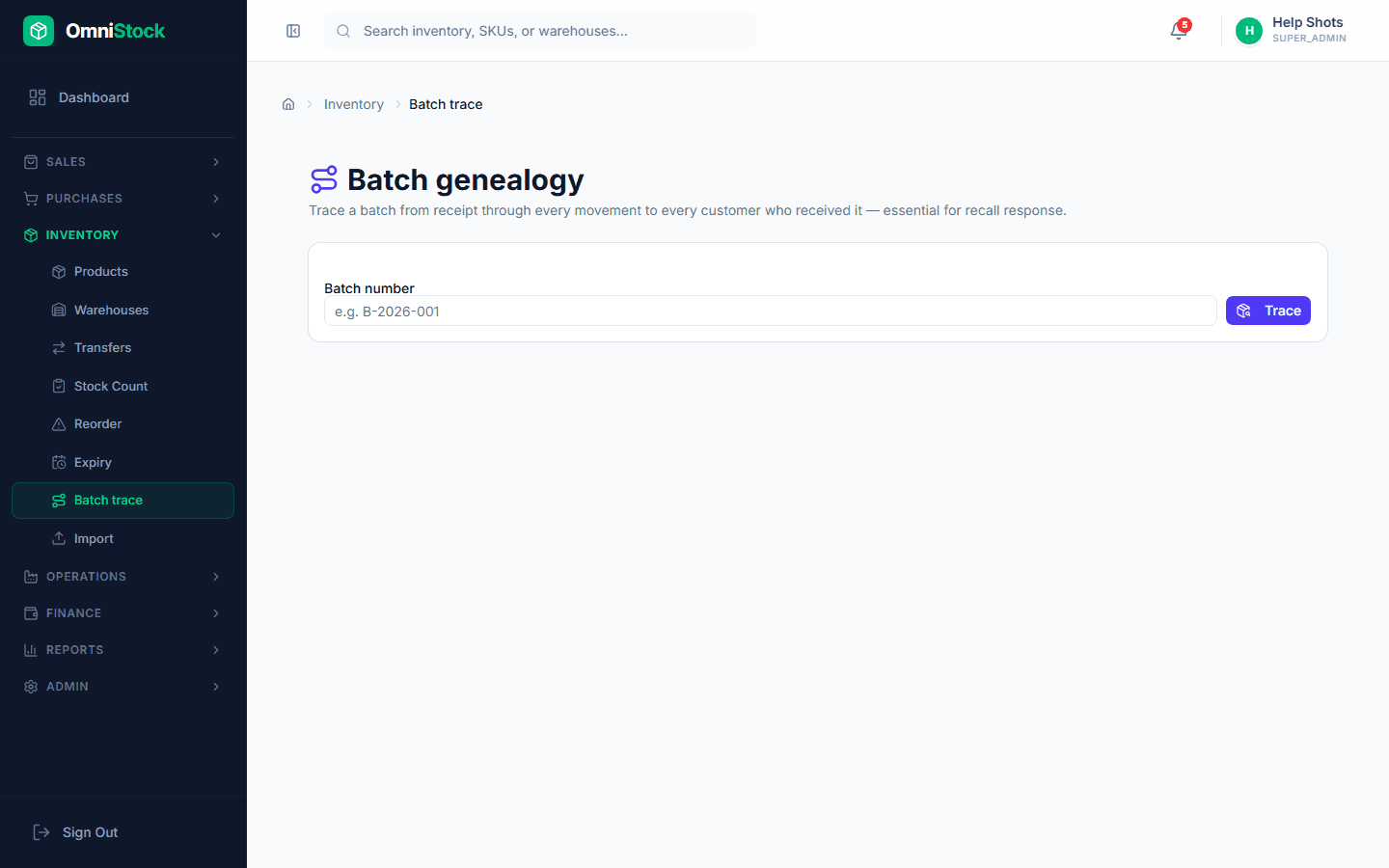
Open batch genealogy
Inventory → Batch trace. Enter a batch number. The tool walks the ledger both ways — backwards to the supplier + GRN, forwards to every invoice the batch shipped on.
- 2
Pull the customer list
The downstream view lists every customer who received the batch, with invoice numbers and quantities. Export to CSV for a recall letter.