Avoid expired stock with FEFO picking
Batch + expiry on receipt; first-expiry-first-out on sale.
- 1
Capture expiry on every GRN
Mark products as batch-tracked. Every goods receipt then requires a batch number and expiry date. Without this, FEFO has nothing to sort on.
- 2
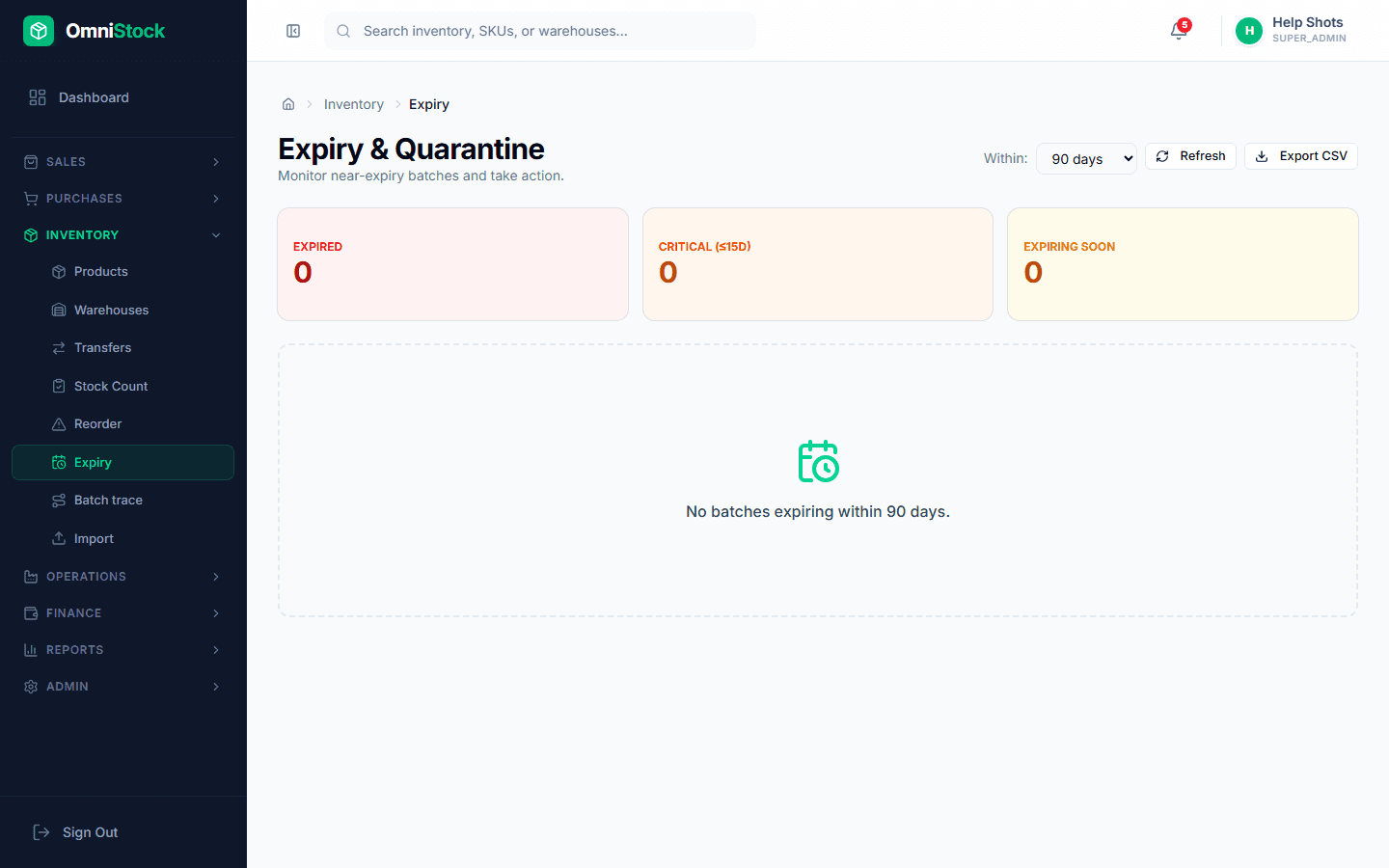
Review the expiry dashboard
Inventory → Expiry shows everything expiring in the next 30/60/90 days, grouped by warehouse. Use it for weekly markdowns or priority dispatch.
- 3
Automate alerts
Admin → Settings → Alerts. Turn on the 'expiring soon' alert so the dashboard bell lights up when stock crosses your threshold (default 30 days).