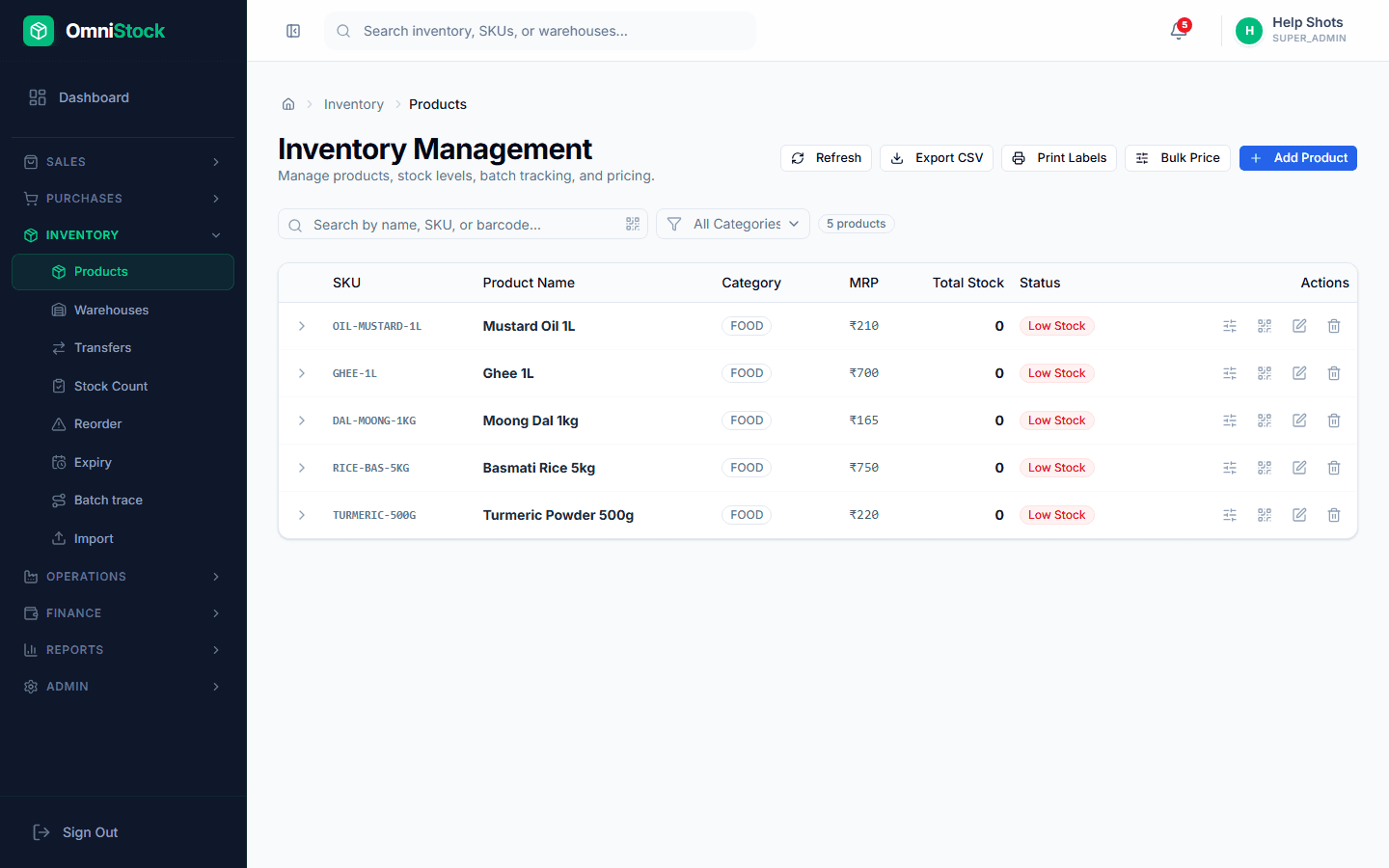
Organize products with categories and custom fields
Keep thousands of SKUs findable and reportable.
- 1
Create categories
Inventory → Settings → Categories. A clean category tree makes reports dramatically more useful — revenue by category is a top-five report for most businesses.
- 2
Enable custom fields
Admin → Settings → Custom Fields. Add fields like colour, size, or HSN alias. They appear on the product form and are exportable to CSV.
Tip: Custom fields are indexed for search too — you can filter the product list by any of them. - 3
Print barcode labels
From a product, use 'Print labels' to generate Code128 labels in shelf or shipping format. Bulk-print from the products list too.