Quick start: go from empty workspace to first sale
The shortest path from signing in to dispatching your first sales order.
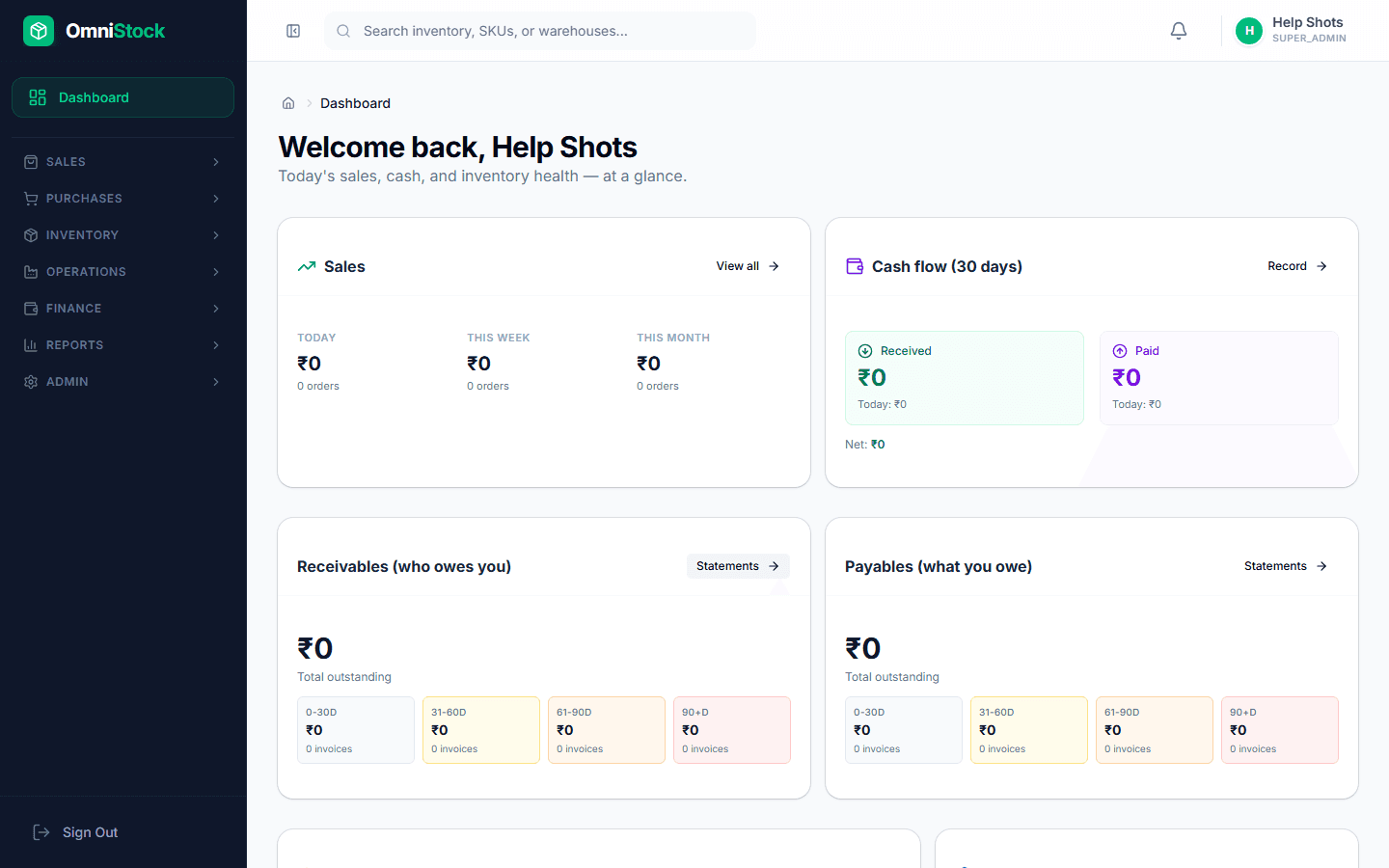
- 1
Create at least one warehouse
Open Inventory → Warehouses and add the physical location you store stock in. Most small businesses start with a single warehouse. You can always add more later.
Tip: Name it something operators recognise, for example 'Andheri shop floor' instead of 'WH-01'. - 2
Add your first product
Go to Inventory → Products → New. Capture SKU, name, unit of measure, GST rate, and reorder level. The SKU must be unique per organization.
- 3
Record opening stock
From the product page, use the 'Adjust stock' action to set the opening quantity in each warehouse. Adjustments write to the stock ledger so you always know where numbers came from.
- 4
Add a customer
Sales → Customers → New. GSTIN is optional but lets the system auto-apply IGST/CGST+SGST on invoices.
- 5
Create a sales order
Sales → Orders → New. Pick the customer, add products and quantities, and save. The order is in DRAFT state until you confirm it.
Tip: Confirmed orders reserve stock so it can't be double-sold from another terminal. - 6
Dispatch
Open the order and click 'Dispatch'. Stock moves out, an invoice is generated, and the order moves to FULFILLED.